
ssgbryan opened this issue on Nov 26, 2025 · 113 posts
Y-Phil posted Thu, 27 November 2025 at 5:40 PM
In case you would like to test EZSkin on Poser 14, here is a first version that is able to distinguish Poser 12 + 13 from Poser 14. It's now displayed on EZSkin's main screen:
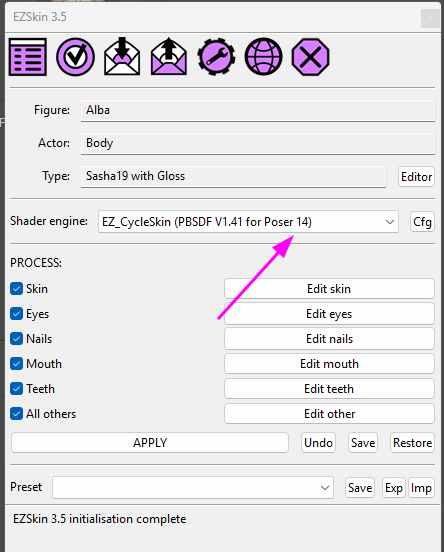
I have not encountered errors but it's better to keep the previous version. So here are the download links:
The new V1.41 to be used with Poser 12, 13 & 14:
https://kdrive.digital-paradize.com/app/share/116364/a2e8abb9-70c8-4085-82c7-49f2a084e444
The previous version (the V1.35), not adapted to Poser 14:
https://kdrive.digital-paradize.com/app/share/116364/01b62cbf-7efd-4a04-a7e5-aa5398c55e85
Be sure to use EZSkin 3.5:
https://kdrive.digital-paradize.com/app/share/116364/ae7a51aa-8f4f-4792-99ff-abdd1b2a863b
This new plugin has some more parameters. I don't know if they are useful or not, I have just reproduced some, with their default values. The explanations come from Blender's online manual:
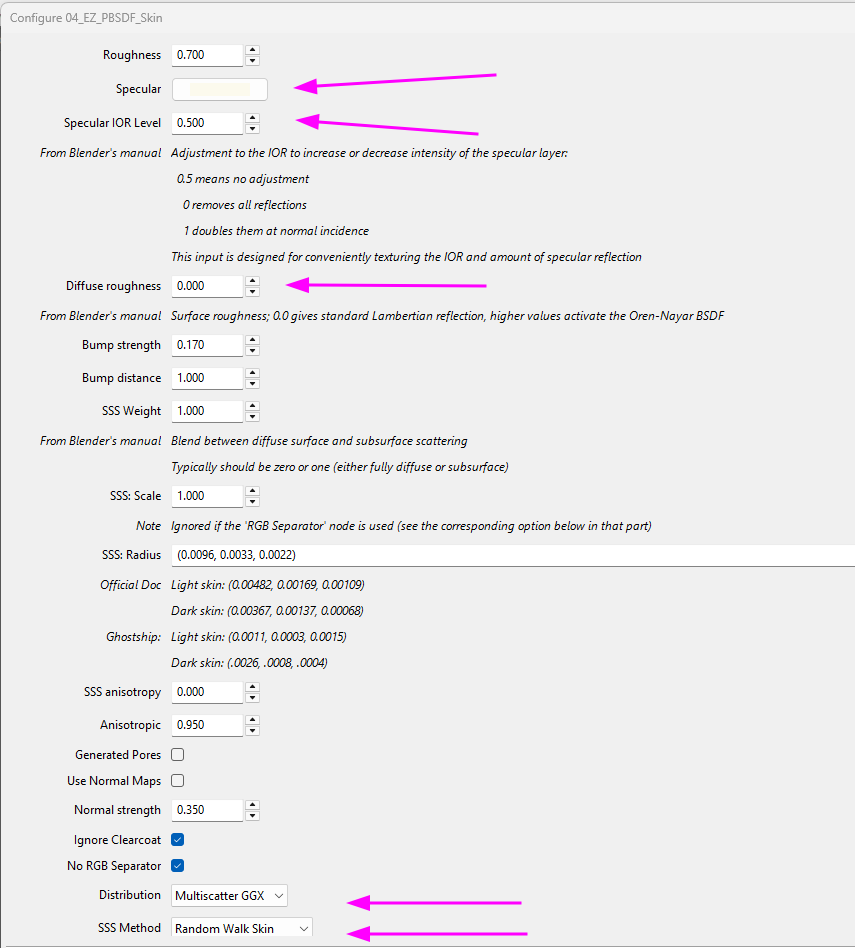
This dialog is of course different on Poser 12 & 13, from the Poser 14 version.
What's new among other details:
- on Poser 14, the Specular is a color, before it's still a value (0 -> 1)
- you have the possibility to select the distribution and the SSS method. For the latter, there are new values: Poser 13's 'Random Walk Fixed Radius' choice is now replaced by two new ones: 'Random Walk Skin' and 'Random Walk Legacy'
If you want to easily install EZSkin for Poser 14, simply copy the ezskin3 folder from "Poser->13" in your profile into the "14" version: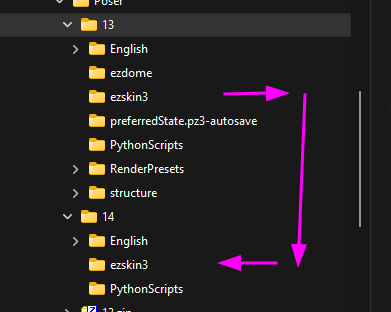
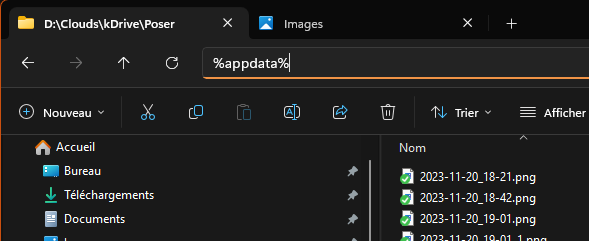
All these folders in %appdata%:
Happy EZSkin-ning 
I will continue my tests tomorrow, time to go to bed for me 
𝒫𝒽𝓎𝓁
(っ◔◡◔)っ
👿 Win11 on i9-13900K@5GHz, 64GB, RoG Strix B760F Gaming, Asus Tuf Gaming RTX 4070 OC Edition, 1+2 TB SSD's, 6+4TB HD
👿 Mac Mini M2, Sequoia 15.5, 16GB, 500GB SSD
👿 Nas 10TB
👿 Poser 13 and 14 ❤️