
Renderosity Forums / Poser - OFFICIAL
Welcome to the Poser - OFFICIAL Forum
Forum Moderators: RedPhantom Forum Coordinators: Anim8dtoon
Poser - OFFICIAL F.A.Q (Last Updated: 2026 Mar 04 1:34 pm)

Subject: General questions about LuxPose


Quote - Well, I don't know what the above by ADP means. Shall I search for a "toLux" folder? Let me try:
Yes, I see it now. Within the folder are two files. See the screen shot:Actually, if somebody helps a person like me, who is not a "geek" (no offense at all -- it's just that I don't understand the code and can't write any aps), this might actually help to develop a program that almost anybody could use.
This was not addressed to you. Just programmers Suaheli as a response to bagginsbill.
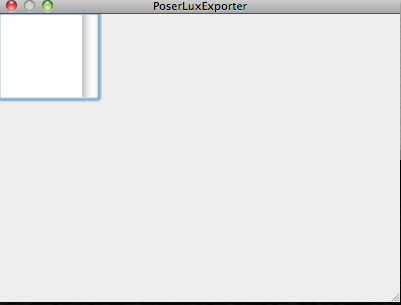
Quote - > Quote - inqurie, click "PoserLuxExporter"
Yep, I've tried that (the third time I tried to export).
For all other a Python console window opens and reports some text after the Exporter was started.
Wait - you have to start the script from within Poser. The GUI is there to set some parameters used later if the script was started.
To start the Python script, from Posers main menu select "File", then "Start Python Script".
Quote -
This is not a good structure and I'm changing it.I'm referring to the screen shot above where we see the user navigating through the internal folders of LuxPose.
I am telling people to install it there, because it can then easily be found. That's better than the advice in "Getting Started" about putting everything into poserscripts (without a subfolder ;-)). And it actually makes it easy to have multiple versions side by side in different folders...
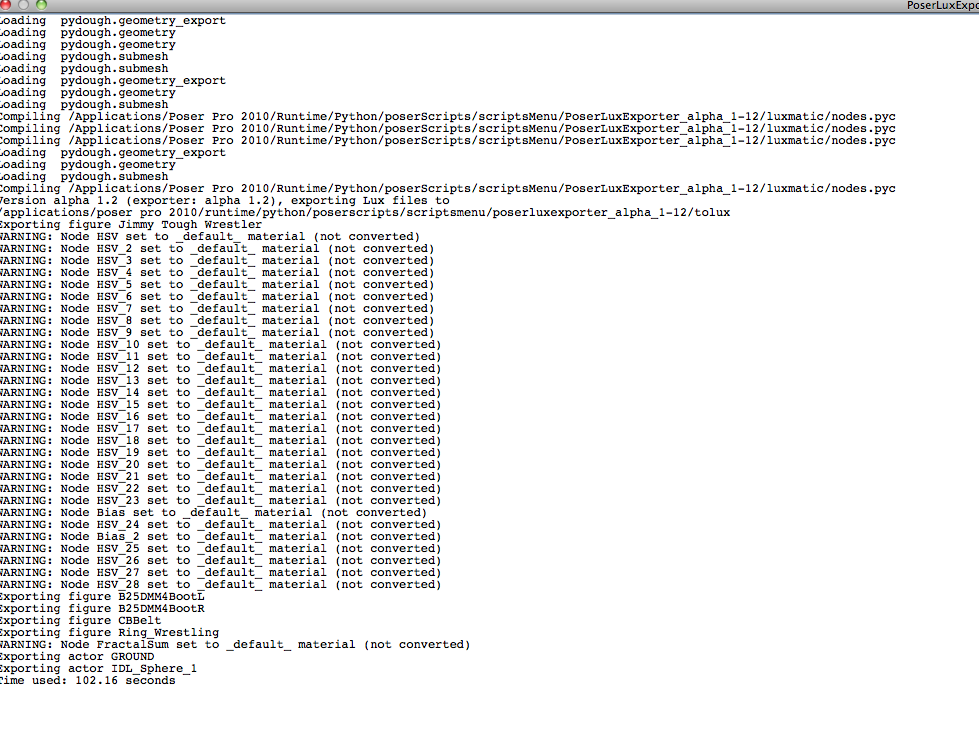
inquire:
If you try to run any Poser script when you don't have Poser open, it's not going to do anything.
If you try to run the LuxPose script when you don't have Poser open and a scene loaded you won't get anything. If you run the script when Poser is open and you don't have a scene set up or loaded, you'll get nothing but an empty scene in LuxRender.
Poser scripts are made to run from within Poser.
Laurie
Quote - > Quote -
This is not a good structure and I'm changing it.
I'm referring to the screen shot above where we see the user navigating through the internal folders of LuxPose.
I am telling people to install it there, because it can then easily be found. That's better than the advice in "Getting Started" about putting everything into poserscripts (without a subfolder ;-)). And it actually makes it easy to have multiple versions side by side in different folders...
Works perfectly, dizzi.
What makes problems is the GUI because it has it's own meaning where to save his output to. Would help if the GUI-folder is outside the rest of all. But then the script has to search for it.
Using Air just to set some parameters was probably a bad idea.
Quote - Well, I'm not seeing anything happening in LuxRender. It's been a number of minutes and the window just seems blank.The Getting Started document mentioned colored messages. Nope, haven't seen any.
Did you load the .lxs file you generated?!!!
Sorry if this next question seems offensive - I'm not trying to be....
Do you really even know how to use Poser? I ask because you really don't seem familiar with it at all. I question trying anything as adventurous as testing Poser with LuxPose if you have only the most rudimentary knowledge of Poser itself.
Laurie
Quote - inquire:
If you try to run any Poser script when you don't have Poser open, it's not going to do anything.
If you try to run the LuxPose script when you don't have Poser open and a scene loaded you won't get anything. If you run the script when Poser is open and you don't have a scene set up or loaded, you'll get nothing but an empty scene in LuxRender.
Poser scripts are made to run from within Poser.
Laurie
Hi, Laurie: Yes, actually I do realize all of those things. I haven't tried to run anything without having Poser running. What I was saying earlier is that I had to quit Poser in order to escape the spinning beachball.
Quote - Well, I'm not seeing anything happening in LuxRender. It's been a number of minutes and the window just seems blank.The Getting Started document mentioned colored messages. Nope, haven't seen any.
Did you load the file into Lux as Laurie mentioned before? The file written by the Python script?
Quote - > Quote - inquire:
If you try to run any Poser script when you don't have Poser open, it's not going to do anything.
If you try to run the LuxPose script when you don't have Poser open and a scene loaded you won't get anything. If you run the script when Poser is open and you don't have a scene set up or loaded, you'll get nothing but an empty scene in LuxRender.
Poser scripts are made to run from within Poser.
Laurie
Hi, Laurie: Yes, actually I do realize all of those things. I haven't tried to run anything without having Poser running. What I was saying earlier is that I had to quit Poser in order to escape the spinning beachball.
Well, it's not enough to just have Poser running. You have to open the script FROM Poser. You can't open Poser, then open the folder where the script is outside of the Poser interface and run it.
Laurie
Quote - > Quote - Well, I'm not seeing anything happening in LuxRender. It's been a number of minutes and the window just seems blank.The Getting Started document mentioned colored messages. Nope, haven't seen any.
Did you load the .lxs file you generated?!!!
Sorry if this next question seems offensive - I'm not trying to be....
Do you really even know how to use Poser? I ask because you really don't seem familiar with it at all. I question trying anything as adventurous as testing Poser with LuxPose if you have only the most rudimentary knowledge of Poser itself.
Laurie
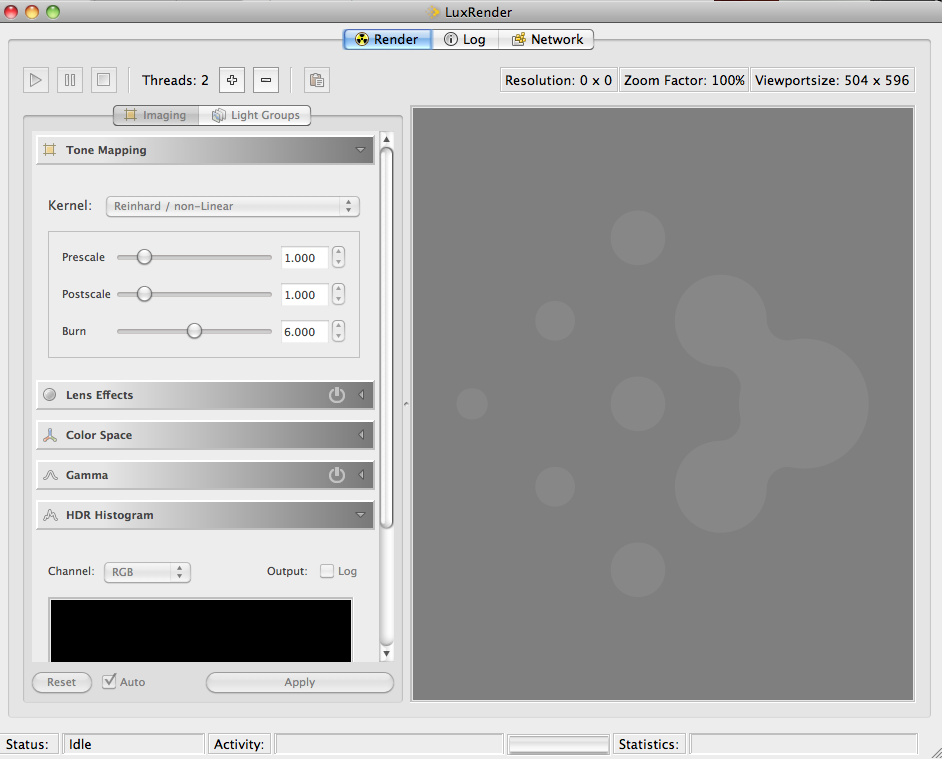
Thanks. Yes, I did load the .lxs file that was generated. Poser is still running. LuxRender is running. The LuxRender window still looks as shown in my screen shot above. For Status it says IDLE. For Activity it says Checking Log acknowledged. For Statistics, there's nothing given.

Quote - > Quote - > Quote - inquire:
If you try to run any Poser script when you don't have Poser open, it's not going to do anything.
If you try to run the LuxPose script when you don't have Poser open and a scene loaded you won't get anything. If you run the script when Poser is open and you don't have a scene set up or loaded, you'll get nothing but an empty scene in LuxRender.
Poser scripts are made to run from within Poser.
Laurie
Hi, Laurie: Yes, actually I do realize all of those things. I haven't tried to run anything without having Poser running. What I was saying earlier is that I had to quit Poser in order to escape the spinning beachball.
Well, it's not enough to just have Poser running. You have to open the script FROM Poser. You can't open Poser, then open the folder where the script is outside of the Poser interface and run it.
Laurie
Gee, I said I wasn't a "geek." I didn't say I have no brain. I do realize that one has to open a Poser python script from within Poser.
Quote -
Thanks. Yes, I did load the .lxs file that was generated. Poser is still running. LuxRender is running. The LuxRender window still looks as shown in my screen shot above. For Status it says IDLE. For Activity it says Checking Log acknowledged. For Statistics, there's nothing given.
Maybe you better use a simpler scene to become familar with all this.
Quote - > Quote - Well, I'm not seeing anything happening in LuxRender. It's been a number of minutes and the window just seems blank.The Getting Started document mentioned colored messages. Nope, haven't seen any.
Did you load the file into Lux as Laurie mentioned before? The file written by the Python script?
Yep, I did load that .lxs file into LuxRender. LuxRender is still running. Nothing has happened.
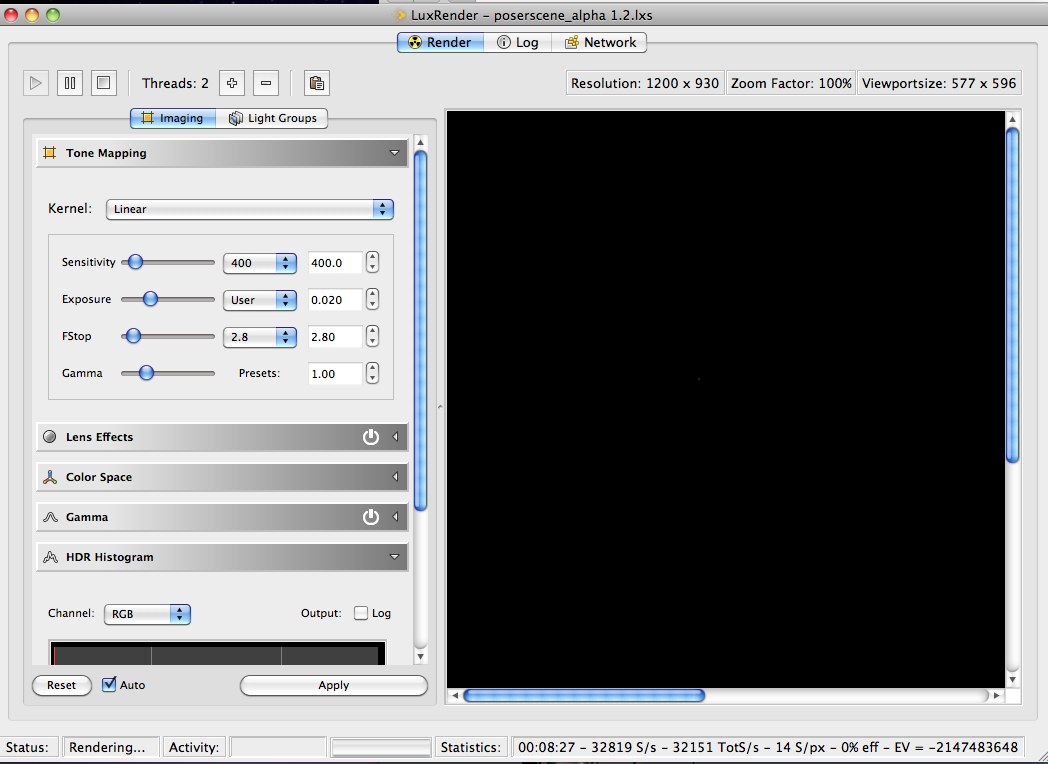
If you are in Lux, and have done "File open", and selected the file "poserscene alpha1.2.lxs" Lux status (at the bottome of the window) should say: "Parsing Scenefile" for a while because your exported scene is large.
If this does not happen, check the file you try to import (with an editor; it's a plain text file).
That's good to know. I have never gotten infinite lights to export. I'll have to try again.
Well, well. i don't know what I was talking about. It works fine for me now.
inquire, what is the scene you are trying to render? Is there a skydome involved? If so, the infinite lights will be blocked by it and won't reach your scene. Just a thought.
Quote - That's good to know. I have never gotten infinite lights to export. I'll have to try again.
Well, well. i don't know what I was talking about. It works fine for me now.
inquire, what is the scene you are trying to render? Is there a skydome involved? If so, the infinite lights will be blocked by it and won't reach your scene. Just a thought.
I totally forgot about that. Good point ;o).
Laurie
OK, I found the Gain, and that can increase the lighting. Also, I see the Default. Is that the Sunlight?
If so, shouldn't I be able to move the sun?
Also, there's RGB and Black Body Temperature. I know what RGB stands for, but not sure what happens if I check them, or one of them. Ah, checking Black Body Temperature activates the Picker. I can see the Tone Mapping change.
The actual little robot is blue. (That's Andy in Poser 8 and PoserPro2010.) In the render window, so far he's a kind of dull, grayish brown.
Quote - Yep. I thought of that also, really. There is a skydome. Right now, I'm just rendering the default startup file with the little robot.
I thought LUX puts in a sunlight by itself, though. Does it do that?
Those sorts of options are on the list to be included. Right now they are not in the exporter though.
These are very early alpha releases for testing only. They aren't meant to be used to do any serious artwork yet.
Laurie
Quote - It is rendering now. I may still need more hand-holding. I'm looking at the Light Groups. I don't see anything about a Sun or any Other Light. Hmm. Why is that?
OK, I found the Gain, and that can increase the lighting. Also, I see the Default. Is that the Sunlight?
If so, shouldn't I be able to move the sun?Also, there's RGB and Black Body Temperature. I know what RGB stands for, but not sure what happens if I check them, or one of them. Ah, checking Black Body Temperature activates the Picker. I can see the Tone Mapping change.
The actual little robot is blue. (That's Andy in Poser 8 and PoserPro2010.) In the render window, so far he's a kind of dull, grayish brown.
You can't move the sun in LuxRender inside a loaded, already generated file. You can make other adjustments. Try playing with the Tone Mapping, exposure, gain and the Color Space. There are presets there for different things. If you don't know what some of the LuxRender specific options are, I suggest you read the LuxRender manual.
As I stated before, LuxRender will not automatically generate a sun. Not with this exporter. This is still in ALPHA. Not all features that the programmers want are included in it yet because they are still being worked on.
Laurie
Quote - OK, and the manual is where? I just went back to the Wiki Page, looking for a link to the manual.
right now that is the manual for LuxPose. alpha code so this is on the list to be written.
or do you mean the manual for Luxrender? www.luxrender.net/wiki/index.php

You know this isn't even alpha, even though people say it.
This is "OMG we got something working, want to try it?".
Alpha is when you think you're largely done, and are ready for formalized internal testing within the development organization QA department, and perhaps one or two (at MOST) friendly users.
Beta is when you absolutely freeze the code - no more new features, period - and you put it out for testing by customers.
This software as it stands right now is being used be people who have no business using it. If you have questions, it means you're not prepared to play with urinating with your new kidneys while the surgeon still has your open body on the table with only one vein and one artery hooked up.
Renderosity forum reply notifications are wonky. If I read a follow-up in a thread, but I don't myself reply, then notifications no longer happen AT ALL on that thread. So if I seem to be ignoring a question, that's why. (Updated September 23, 2019)
I didn't say it was worthless. You're being hysterical.
I said it's not ALPHA.
Why the over reaction. We are in the early stages of development, only a couple things work as expected, the UI is nothing like what it is going to be, and people are firing it up with scenes full of nodes and lights that simply are not supported yet. Then they say things like "my figure is all white".
It's not ALPHA.
Renderosity forum reply notifications are wonky. If I read a follow-up in a thread, but I don't myself reply, then notifications no longer happen AT ALL on that thread. So if I seem to be ignoring a question, that's why. (Updated September 23, 2019)
sigh
Please, don't anyone overreact.
BB, those of us who don't code, aren't necessarily familiar with the terms. We take guesses. Frequently wrong ones. It doesn't mean anyone is stupid. Please understand.
As for the other things you mentioned, I think you are correct. If you aren't ready to face the fact that it's not going to do exactly everything you want it to do yet and that makes you crazy, then you probably shouldn't be testing ;o). Most of us know that a lot is missing for now and are ok with that and realize it. One or two people does not everyone make ;o). And yet, sometimes you seem to take that out on everyone. It's not fair to the rest of us and it's not fair insofar as it makes it seem like you think all humans but yourself are brainless lumps of meat. Not true. We may not be as smart or know as much, but a lot of us try every bit as hard. It just doesn't slide as easily off our brains as it does yours ;o).
Laurie
Quote - I didn't say it was worthless. You're being hysterical.
I said it's not ALPHA.
Why the over reaction. We are in the early stages of development, only a couple things work as expected, the UI is nothing like what it is going to be, and people are firing it up with scenes full of nodes and lights that simply are not supported yet. Then they say things like "my figure is all white".
It's not ALPHA.
nono
not being hysterical at all.
I'm just deeply saddened by the way you reacted yourself. ppl want to be involved. they want to test. we will get ppl that yes, do want to just fire it up and use it.
but the way you just put all the effort down. bill, that saddened me.
You are reading stuff I didn't say at all.
I wrote about this being not ready because Kai repeated
Quote - ok. to reiterate:
"material support at this time is very basic. and only very basic textures are supported."
change the materials to basic ones and try again
Which indicated to me that there are people who don't understand what the state of this is and I tried to clarify that. And - I don't have a lot of time to type. I'm popping in stealing moments from my interaction with my family.
You people are awfully touchy.
Renderosity forum reply notifications are wonky. If I read a follow-up in a thread, but I don't myself reply, then notifications no longer happen AT ALL on that thread. So if I seem to be ignoring a question, that's why. (Updated September 23, 2019)

Privacy Notice
This site uses cookies to deliver the best experience. Our own cookies make user accounts and other features possible. Third-party cookies are used to display relevant ads and to analyze how Renderosity is used. By using our site, you acknowledge that you have read and understood our Terms of Service, including our Cookie Policy and our Privacy Policy.
OK, but how do I do that? I restarted Poser, went to the Scripts Menu, selected PoserLuxExporter, and, once again, a blank box opened and the beachball spun. I had to "ForceQuit" in order to get out of that.
I've re-read "Getting Started." I guess there were some things I didn't see the first time. OK, let me try again.