
Renderosity Forums / Poser 14

Subject: Getting the HDRI Background Working


After I saw this, I looked for the tutorial on how this worked. And then I tried it. This was my result
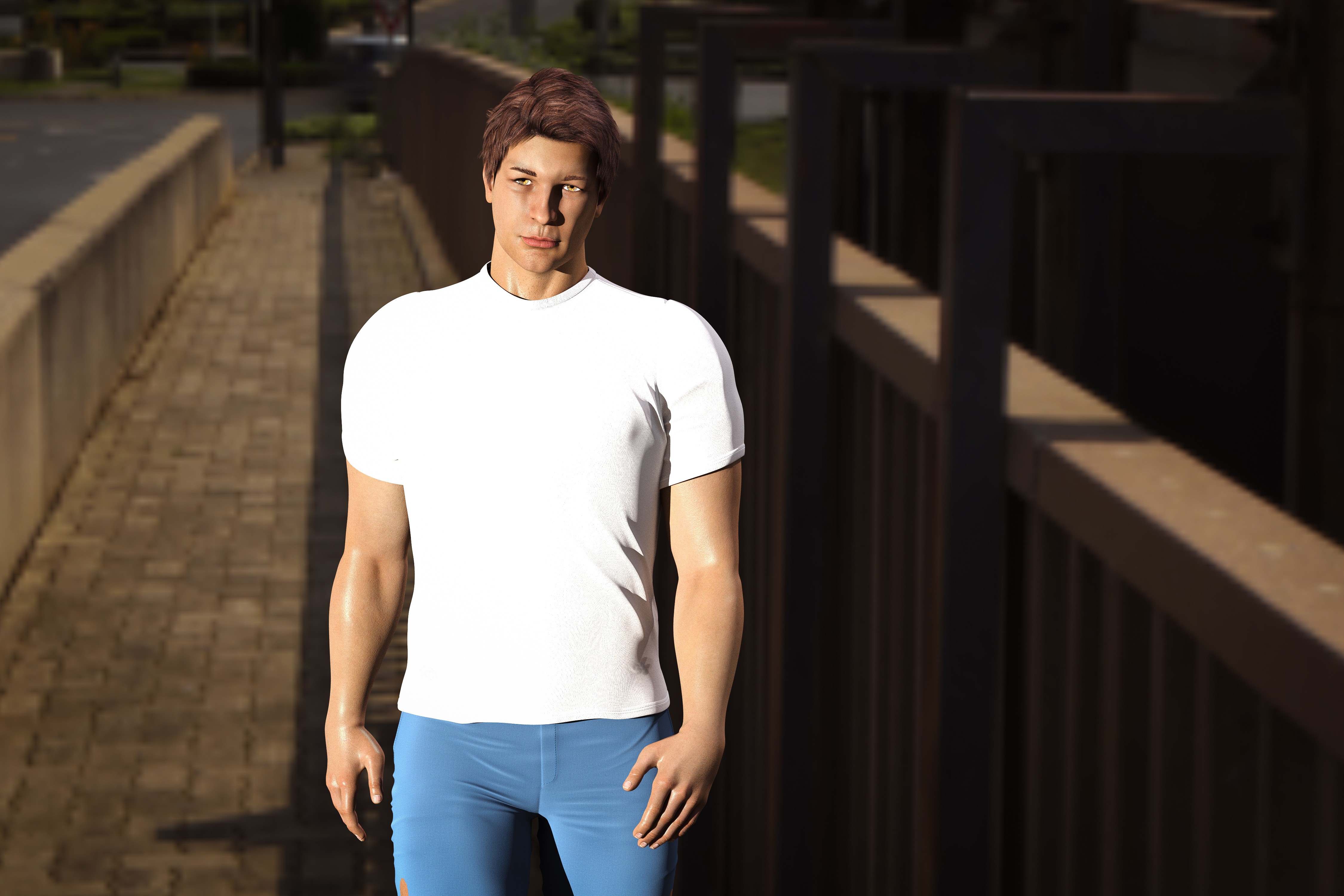
Some observations from me.
1. I had to load an empty scene to get it to work. If I loaded a scene that had things in it, the background was grayed out when I went into the material room, even if I turned off visibility of the ground.
2. Maybe it was just the HDRI I chose, but it looked a little washed out and didn't see a way to modify it.
3. The figure had no light on it in the Pose room. I had to render to see how he looked. He did have some light on him. But I wanted more. I also wanted this view of the HDRI, so I added a distant light and adjusted it.
Maybe I'm doing something wrong, but those were the challenges I encountered.

I used this setup maybe 2-3 years ago in a Poser 12 environment, so maybe it may help...
https://sites.google.com/view/grumpyoldfartssite/my-3d-cg-tips-and-how-tos#h.w21dovvyclc1
For best results, use a bracketed HDRI with multiple Exposure Values.
Eternal Hobbyist
For best results, use a bracketed HDRI with multiple Exposure Values.
Can you please explain what that means?

It is worth experimenting with a combination of lights and HDRI to strike a pleasing balance in your renders. Offsetting the illumination too much in either direction will make the scene appear unnatural. Find the best high-quality HDRI, 4K or higher, if the app can handle it. Use images with a full tonal range. There may be instances where images skew the color balance, so be prepared to provide adequate lighting to counter the imbalance.
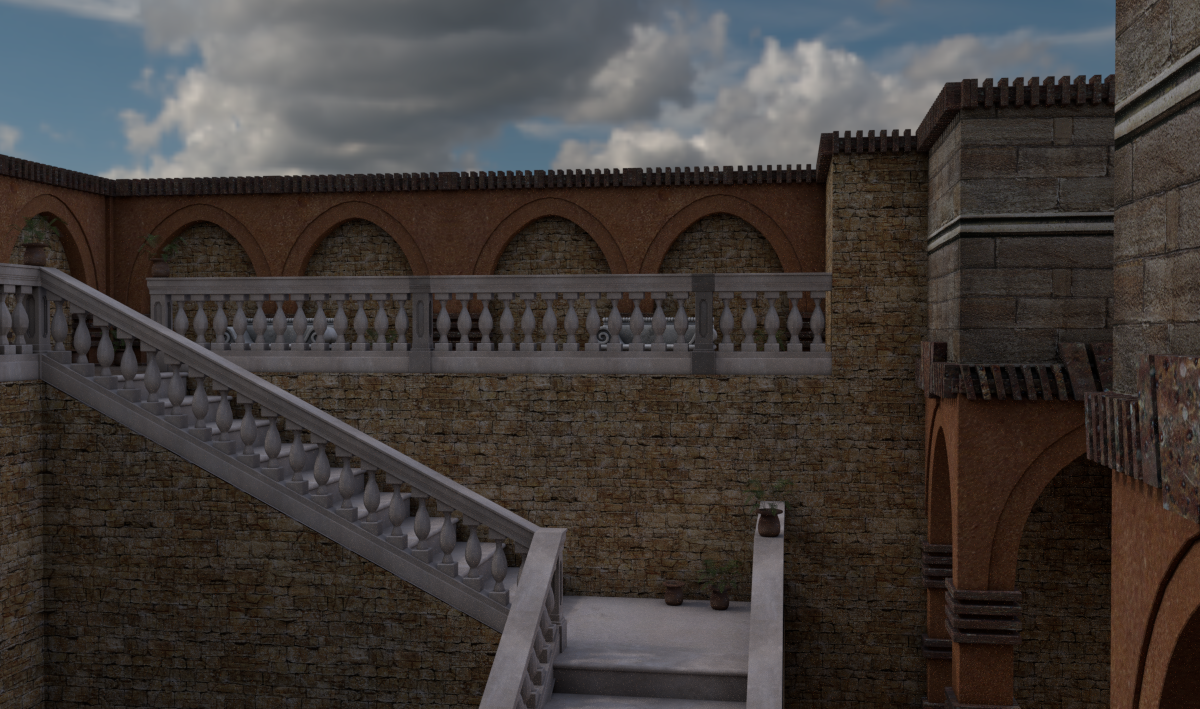
The Superfly render below demonstrates a scene lit with an HDRI and an infinite light set at 10% intensity and shadows to 50%. The material shaders for the model were quickly converted to PBR, and Ambient Occlusion was added to enhance additional shadowing. I used a Blackbody node to convert the lighting temperature to 10,000 Kelvin, a more natural way to introduce realistic lighting to Superfly renders.
infinity10 posted at 10:24 PM Mon, 15 December 2025 - #4502316For an HDRI to effectively light up a scene, it should be a composite of the same image (in one file) taken at different exposure values (EVs). Multiple-EV HDRIs will therefore illuminated the scene without any need for additional scene lights. The quickest way to tell if an equirectangular HDRI file is a single-EV file is when the image is used as 360 background but the scene is still dull and poorly lit. It must to be equirectangular, because it maps onto a spherical dome to enclose the scene. An equirectangular image has proportions of Width: Height in the ration 2:1.For best results, use a bracketed HDRI with multiple Exposure Values.
Can you please explain what that means?
Eternal Hobbyist

Privacy Notice
This site uses cookies to deliver the best experience. Our own cookies make user accounts and other features possible. Third-party cookies are used to display relevant ads and to analyze how Renderosity is used. By using our site, you acknowledge that you have read and understood our Terms of Service, including our Cookie Policy and our Privacy Policy.
The latest Poser newsletter described how to properly use the new HDRI background feature, so I thought I'd give it a try. This is the result.